
 Reading Time: 8 mins #
 This post may contain affiliate links.
Why Microboundaries Matter More Than You Think
We often assume that boundaries must be big, loud or life-changing. But in the modern digital workspace, the smallest shifts, like muting a WhatsApp thread or blocking off 10 minutes for a walk, can radically improve our time management and help prevent digital burnout. These small, intentional choices are microboundaries that work because they lower resistance while protecting your mental energy.
“Most people don’t need a total life overhaul. They need micro-moments of clarity and control.” — Dr. Nedra Glover Tawwab, Set Boundaries, Find Peace.
If you’ve felt that your productivity is slipping or your brain is constantly overstimulated, you’re likely lacking the protective buffer of microboundaries.
In this Friday Flux roundup, we explore nine productivity tools, a mix of digital and analog, that help you put these boundaries into action.
1. Focus Keeper App
Based on the Pomodoro Technique, Focus Keeper is a simple timer app that lets you work in 25-minute sprints with 5-minute breaks. It’s perfect for people battling habit change fatigue.
- Why it works: Enforces natural breaks and reduces decision fatigue.
- Microboundary it supports: Structured timeboxing
2. Freedom App
This classic productivity tool blocks access to websites and apps that trigger distraction.
- Why it works: Helps create device-free zones.
- Microboundary it supports: Scheduled digital detoxes.

3. Notion Template: Energy Audit Tracker
Custom Notion templates allow you to monitor (Energy Audit Tracker by Marie Poulin) asks not just by priority, but by energy cost.
- Why it works: Gives visibility to cognitive load.
- Microboundary it supports: Personal workload filters.
4. Analog: Kitchen Timer
Sometimes digital noise is the enemy. A simple, loud kitchen timer can help you stay present.
- Why it works: Triggers auditory awareness without screen exposure.
- Microboundary it supports: Analog work intervals.
5. Paper Agenda Planners
Old-school planners (The Bullet Journal Method by Ryder Carroll) create a tactile sense of control, especially for visual learners.
- Why it works: Anchors time commitments physically.
- Microboundary it supports: Cognitive offloading.
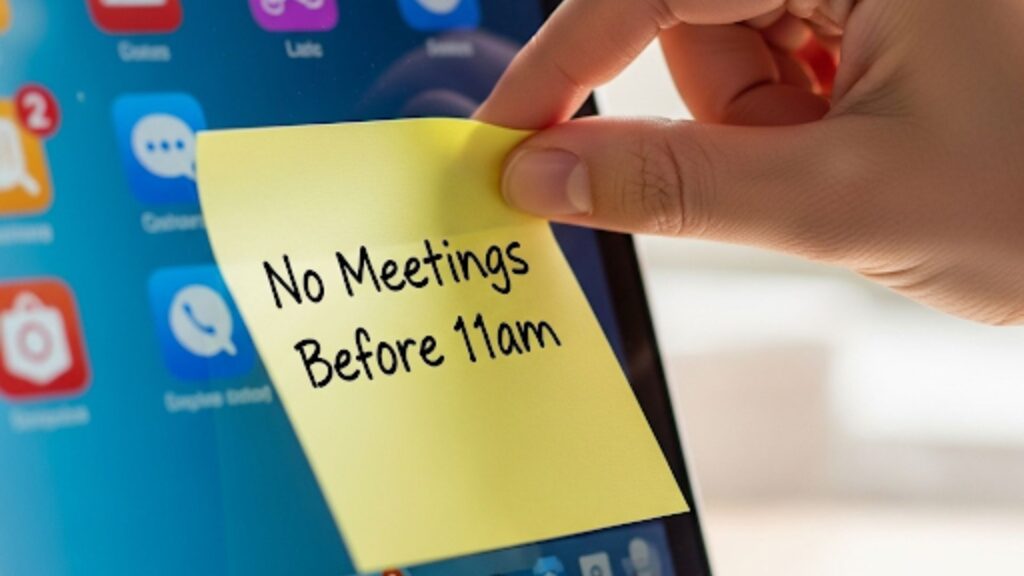
[“The Power of a Small, Intentional Choice” – Image by moneycatzzz.com]
7. Smart Calendar Blocking (Google Calendar Hacks)
Use color-coded time blocks and recurring “buffer” events to protect your focus (Harvard Business Review: How to Make Time).
- Why it works: Adds visual rhythm to your week.
- Microboundary it supports: Protected focus periods.
8. Visual Habit Trackers (Analog & Digital)
Whether it’s a whiteboard or a minimalist app, tracking habits (Tiny Habits by BJ Fogg) makes micro shifts visible.
- Why it works: Builds momentum by showing progress.
- Microboundary it supports: Daily consistency without overwhelm.
9. Scheduled Email Windows (Delay Send + No Notifications)
This one’s powerful: Disable email notifications and set “send windows” twice daily (Deep Work by Cal Newport).
- Why it works: Eliminates the expectation of an immediate reply.
- Microboundary it supports: Asynchronous work discipline.
How Microboundaries Rescued a Burned-Out Product Manager
Lauren M., 34, was a product manager at a fast-moving SaaS startup, and burnout had become her default setting. Between back-to-back meetings, pings from half a dozen messaging app channels, and an always-full calendar, she was averaging more than 70 notifications per hour. Her focus was fractured. Her creativity? Nonexistent.
But instead of handing in her resignation or escaping to a wellness retreat, Lauren tried something deceptively simple: microboundaries.
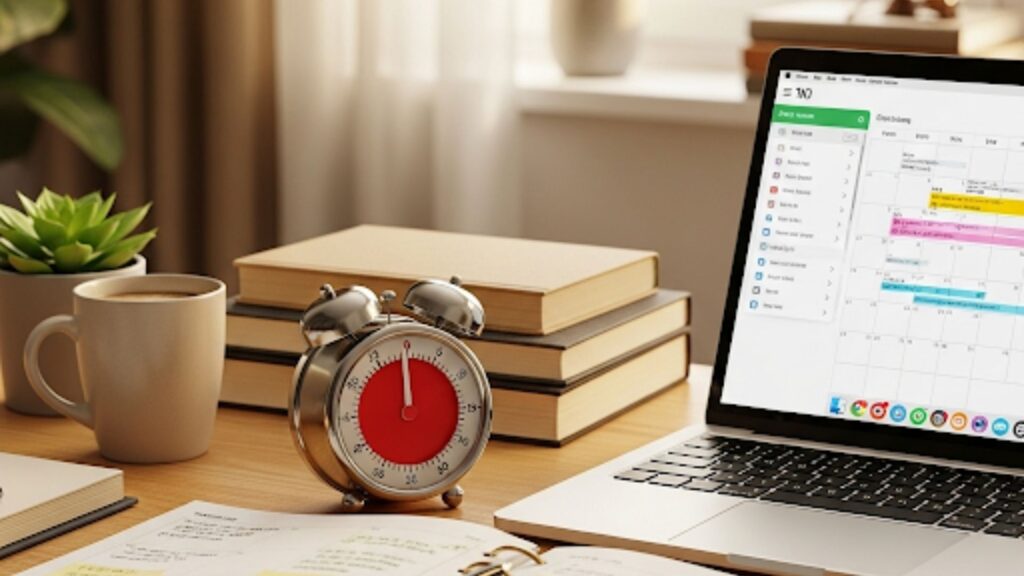
[“Microboundaries – Digital and Analog Tools in Harmony” – Image by moneycatzzz.com]
Here’s what she changed:
- She muted all digital communication channels outside her immediate product squad: no more ambient noise from marketing, sales, or general chatter.
- She blocked out “maker hours” from 10 a.m. to 1 p.m. in Google Calendar; a protected window where no meetings could be booked.
- She swapped digital Pomodoro apps for a physical mechanical timer to mark focused work sessions.
- She began tracking her energy patterns in Notion, noting dips and peaks throughout the day.
In just one week, the results were significant:
- She experienced 40% fewer context switches, meaning she stayed on task more consistently.
- She delivered her next sprint milestone three days ahead of schedule.
- Most importantly, she reported “feeling more in control than I have in six months.”
Lauren’s success didn’t come from drastic moves. It came from minor shifts, but it was applied consistently. This is the promise of microboundaries: habit change through intentional, low-friction behavior.
Lauren’s story isn’t rare, but her outcome is. Too often, we assume the only way out of burnout is a dramatic overhaul: quitting, relocating, or reinventing your entire workflow. However, her example shows that when applied with consistency, small, intentional shifts can recalibrate your entire relationship with work.
Her approach wasn’t radical. It was methodical. That makes microboundaries so powerful; they’re not about withdrawal or rebellion. They’re about restoring agency in environments that often chip away at it.
So what does that mean for the rest of us?

Final Thoughts: Small Moves, Big Energy Wins
The problem with digital burnout is that it creeps in silently. You don’t wake up knowing you’ve hit capacity until you start resenting your calendar or feeling constantly interrupted. Microboundaries give you a toolkit for self-respect, not just efficiency.
And remember:
“You do not rise to the level of your goals. You fall to the level of your systems.” — James Clear, Atomic Habits.
These 9 tools are more than just hacks. They are invitations to reclaim attention in an age of noise. They’re about designing a life that protects your focus and honors your limits.
Disclosure: This post may contain affiliate links. We only recommend products we believe in, and We may receive a commission at no cost to you! Thank you for your support!
Acknowledgement: Cover Picture generated by AI (moneycatzzz)
Disclaimer: The information is provided for general information only – moneycatzzz.com makes no representations or warranties in relation to the information, including but not limited to any representation or warranty as to the fitness for any particular purpose of the information to the fullest extent permitted by law. While every effort has been made to ensure that the information provided in this article is accurate, reliable, and complete as of the time of writing, the information provided in this article should not be relied upon to make any financial, investment, real estate or legal decisions. Additionally, the information should not substitute advice from a trained professional who can take into account your personal facts and circumstances, and we accept no liability if you use the information to form decisions.